

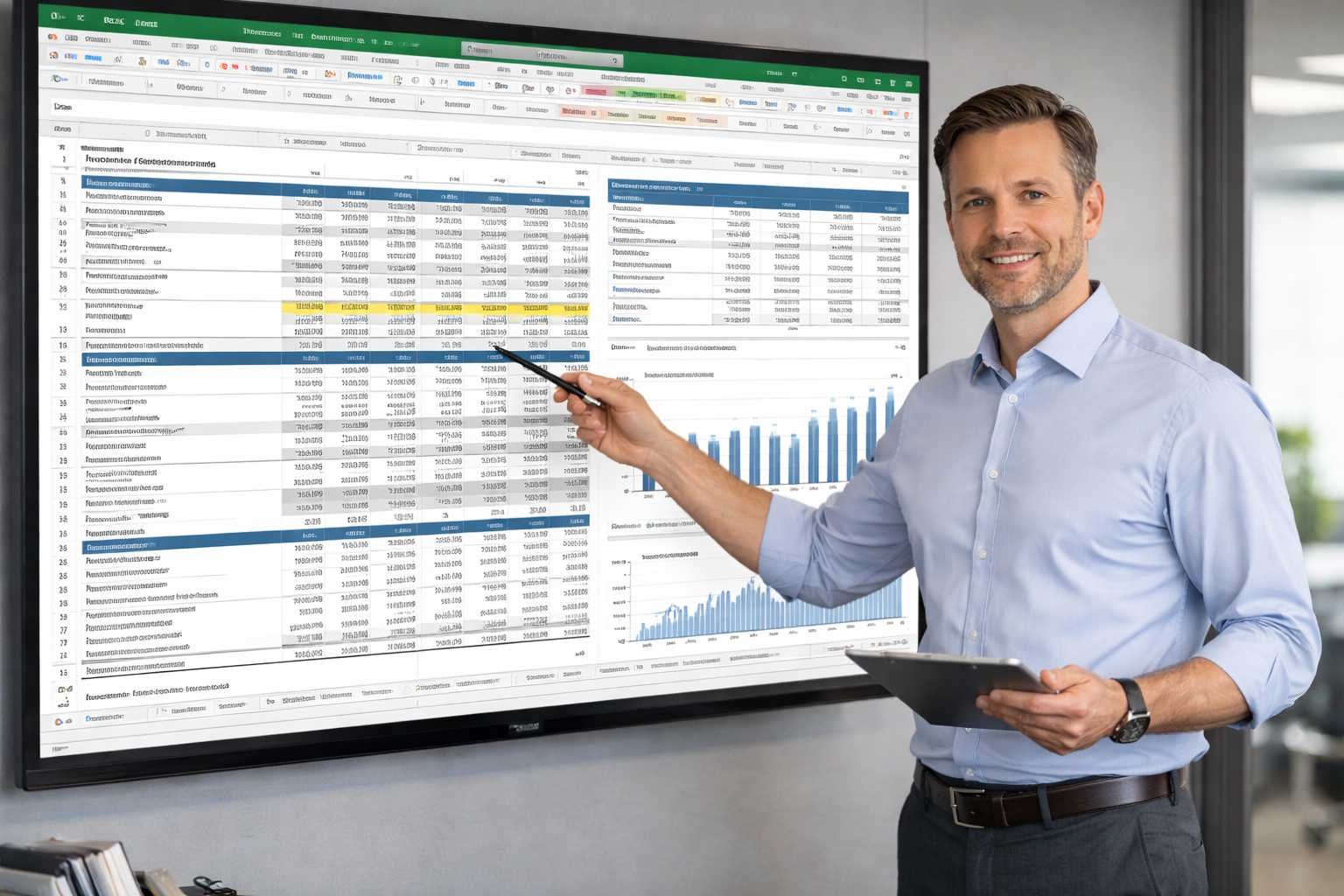
A great financial model is not just accurate—it is transparent, maintainable, and easy for someone else to understand. Whether you are building a three-statement model, an operating budget, or a scenario planning tool, the same architectural principles apply.
This guide covers the best practices that separate professional-grade models from fragile spreadsheets.
Model Architecture: The Foundation
Separate Inputs, Calculations, and Outputs
Every model should follow a three-layer architecture:
- Inputs (Assumptions): A dedicated tab where all editable assumptions live. This is the only place a user should change values.
- Calculations (Engine): Tabs that perform computations by referencing the assumptions tab. No hard-coded numbers.
- Outputs (Dashboards): Summary tabs that present results—charts, tables, scenario comparisons.
This separation ensures that anyone can change an assumption in one place and see the impact flow through the entire model.
Tab Organization
Organize tabs in a logical left-to-right flow:
[Cover] → [Assumptions] → [Revenue Build] → [Headcount] → [OpEx] → [P&L] → [BS] → [CF] → [Scenarios] → [Dashboard]
Use consistent naming conventions:
- 01_Assumptions
- 02_Revenue
- 03_Headcount
- 04_OpEx
- 05_PL
- 06_BS
- 07_CF
Time Axis
Build models with time flowing left to right. Use monthly columns for the current year and quarterly or annual columns for outer years. Always include historical actuals alongside projections so readers can see the trajectory.
| FY24 Actual | FY25 Actual | Jan-26 | Feb-26 | … | FY26E | FY27E | FY28E | |
|---|---|---|---|---|---|---|---|---|
| Revenue | $12.0M | $16.8M | $1.6M | $1.7M | $22.0M | $29.0M | $37.0M |
Formula Standards
Color Coding
Use a consistent color convention:
| Cell Type | Font Color | Background |
|---|---|---|
| Hard-coded input | Blue | Light yellow or white |
| Formula | Black | White |
| Link to another tab | Green | White |
| Error check / flag | Red | White |
One Formula Per Row
Every cell in a row should use the same formula (just dragged across columns). If you need different logic for different periods, use IF statements within a single formula rather than creating different formulas in different cells.
Good: =IF(C$1<assumptions_start_date, 0, assumptions_monthly_revenue)
Bad: Hard-coding $0 in January, a different formula in February, and yet another in March.
Avoid These Anti-Patterns
- Hard-coded numbers inside formulas:
=B5*1.15hides the 15% growth assumption. Reference a named cell instead:=B5*(1+growth_rate) - Circular references: They slow the model, make debugging difficult, and can produce unstable results. Redesign the logic to eliminate circularity.
- Merged cells: They break copy-paste, sorting, and filtering. Use “Center Across Selection” formatting instead.
- Hidden rows or columns with active formulas: If rows are hidden, people forget they exist. Either delete unused rows or clearly mark them.
- OFFSET and INDIRECT: These volatile functions recalculate on every edit, slowing large models. Use INDEX/MATCH or structured references instead.
Building Key Model Components
Revenue Build
Start with the operational drivers that produce revenue:
New Customers = Leads × Conversion Rate
New MRR = New Customers × ARPU
Expansion MRR = Existing Customers × Upsell Rate × Expansion ARPU
Churned MRR = Beginning Customers × Churn Rate × ARPU
Ending MRR = Beginning MRR + New MRR + Expansion MRR - Churned MRR
Revenue = MRR × Months (or use a waterfall)
Three-Statement Integration
The three statements connect through specific linkages:
- Net income from the P&L flows to retained earnings on the balance sheet
- Depreciation from the P&L is added back on the cash flow statement
- Changes in working capital (AR, AP, inventory) bridge from the balance sheet to the cash flow statement
- Ending cash on the cash flow statement equals cash on the balance sheet
Build a balance check row: Assets - Liabilities - Equity = 0. If this row ever shows a non-zero value, there is an error in the model.
Scenario Manager
Create a scenario toggle on the assumptions tab:
Scenario selector: [Base]  ← dropdown (Upside / Base / Downside)

Revenue growth (Upside):   25%
Revenue growth (Base):     18%
Revenue growth (Downside): 8%

Active revenue growth: =INDEX(growth_array, MATCH(scenario_selector, scenario_list, 0))
All calculation tabs reference the “active” row, which automatically switches when the scenario selector changes.
Error Checking and Validation
Built-In Checks
Add an error-check section at the bottom of every major tab:
| Check | Expected | Actual | Status |
|---|---|---|---|
| BS balances | 0 | =Assets-Liabilities-Equity |
=IF(ABS(actual)<0.01,"OK","ERROR") |
| Cash reconciles | 0 | =Ending_Cash_CF - Cash_BS |
=IF(ABS(actual)<0.01,"OK","ERROR") |
| Revenue matches | 0 | =Revenue_Build_Total - PL_Revenue |
=IF(ABS(actual)<0.01,"OK","ERROR") |
Sensitivity Analysis
Test your model by stress-testing individual assumptions:
- What happens if revenue growth drops to 0%?
- What happens if churn doubles?
- What happens if hiring is delayed by one quarter?
If the model breaks or produces illogical results under reasonable stress tests, there is a structural issue to fix.
Version Control and Documentation
Naming Conventions
Use a clear naming convention for model files:
CompanyName_OperatingModel_v3.2_2026-02-08.xlsx
Include version number and date. Never name a file final_FINAL_v2_UPDATED.xlsx.
Change Log
Maintain a change log tab:
| Date | Version | Author | Changes |
|---|---|---|---|
| 2026-02-08 | 3.2 | D. Miller | Updated Q1 actuals, revised hiring plan |
| 2026-01-15 | 3.1 | N. Reddy | Added scenario analysis for Series C deck |
| 2025-12-01 | 3.0 | D. Miller | Annual plan model, new revenue build methodology |
Model Documentation
Include a Cover tab with:
- Model purpose and scope
- Key assumptions summary
- Author and last updated date
- Color code legend
- Navigation guide (hyperlinks to major tabs)
Key Takeaways
Professional financial models are built on a foundation of clean architecture, consistent formatting, and transparent assumptions. Separate inputs from calculations, use one formula per row, color-code everything, and build error checks into every major tab. The 30 minutes you invest in structure saves hours of debugging and builds trust with every stakeholder who opens the model.